


Once one starts talking the talk, it becomes time to walk the walk. And, so I have now done so. I’ve added semantic Web capabilities to this blog site, AI3:::Adaptive Information.
I’ve done so via a suite of nifty tools:
- SIOC Exporter for WordPress. The plugin files can be found at http://sw.deri.org/svn/sw/2005/08/sioc/wordpress/. SIOC, which stands for Semantically-Interlinked Online Communities, is one of the standard RDF ontologies. The SIOC Exporter is extremely easy to install as a standard WordPress plugin; it took me less than five minutes to copy the two files and activate the system from within my blog administrator. SIOC Exporter was written by Uldis Bojars and works with all WordPress versions above 1.5
- Okay, so that’s well and good, but what the heck does adding this plugin do? To see the RDF annotations provided by the SIOC Exporter plugin you can use the Semantic Radar extension to Mozilla/Firefox. Semantic Radar detects links to RDF metadata (via auto-discovery information) (naturally!) and displays a status bar icon at the lower right of the browser status bar. Semantic Radar is also very easy to install, only requiring a re-start of the browser. The icon appears when RDF data is detected; clicking on the icon will allow you to browse SIOC RDF data (see below), as well as FOAF and DOAP metadata. Semantic Radar was also written by Uldis Bojars
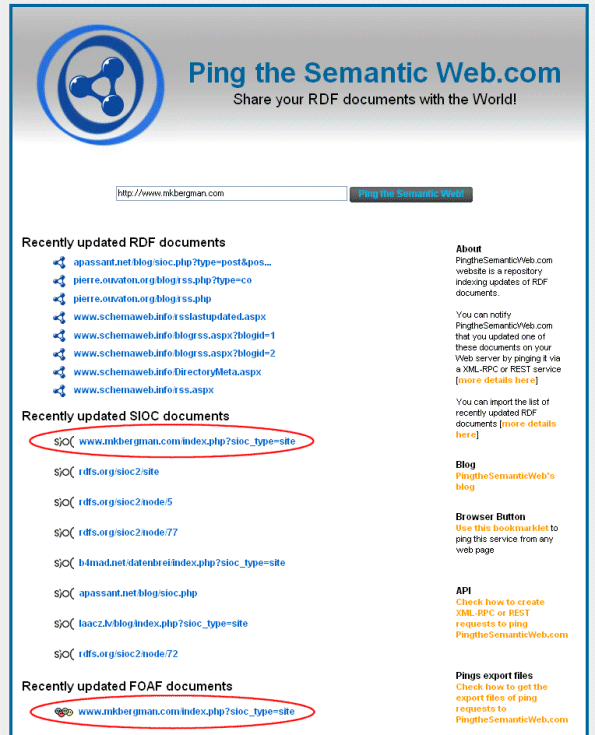
- The presence of Semantic Radar provides another new feature, which is to ping the Semantic Web Ping Service when metadata are detected. This allows for a community based discovery of the Semantic Web data. The Semantic Web Ping Service was written by Frederick Giasson. The purposes of the service are to notify that a new semantic web document
has been published on the Web, to archive its location, and to give its
location to other web services.
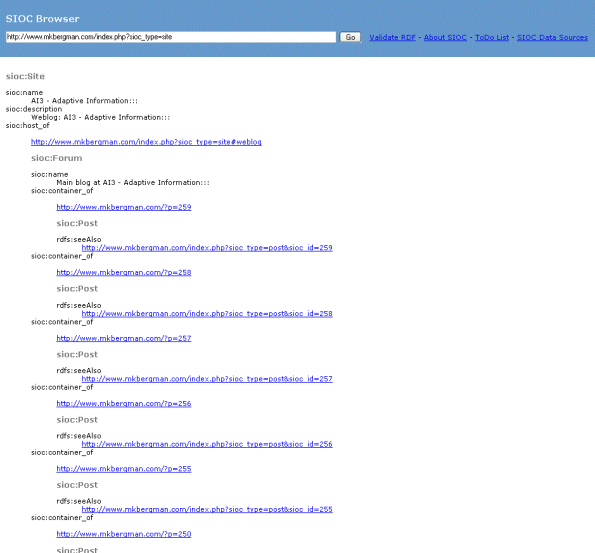
After these simple installations, I now had the SIOC icon for the Semantic Radar detector on my browser and my site was generating SIOC data due to the SIOC Exporter. Clicking on that icon brought up the SIOC browser, which provides an entry for the blog as a whole and all posts listed on the main page:
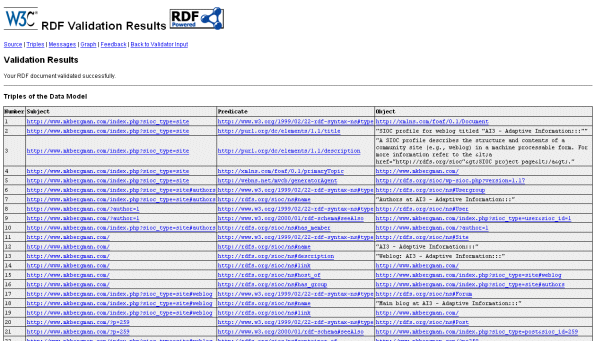
One of the SIOC browser links, among other options, enables you to review validated RDF using the W3C service. Here is what my triples looked like:
And, as noted above, the viewing of this data also pinged the Semantic Web Ping Service, which now showed my entries under both the SIOC and FOAF categories:
All of this was extremely easy to implement. My next phase in using such tools is to expand the breadth of the subject ontologies to parse against my blog site and to discover information extractors or metadata generators that create those attributes on the fly. Stay tuned!